
After a long-standing battle between Epic Games and Apple, users in the European Union can now officially download the Epic Games Store on their iPads, thanks to the new iPadOS 18 update. This update enables users to download apps from third-party app stores, a feature that was introduced exclusively in the EU as part of Apple’s compliance with new regulatory requirements aimed at promoting competition and offering more choices for consumers.
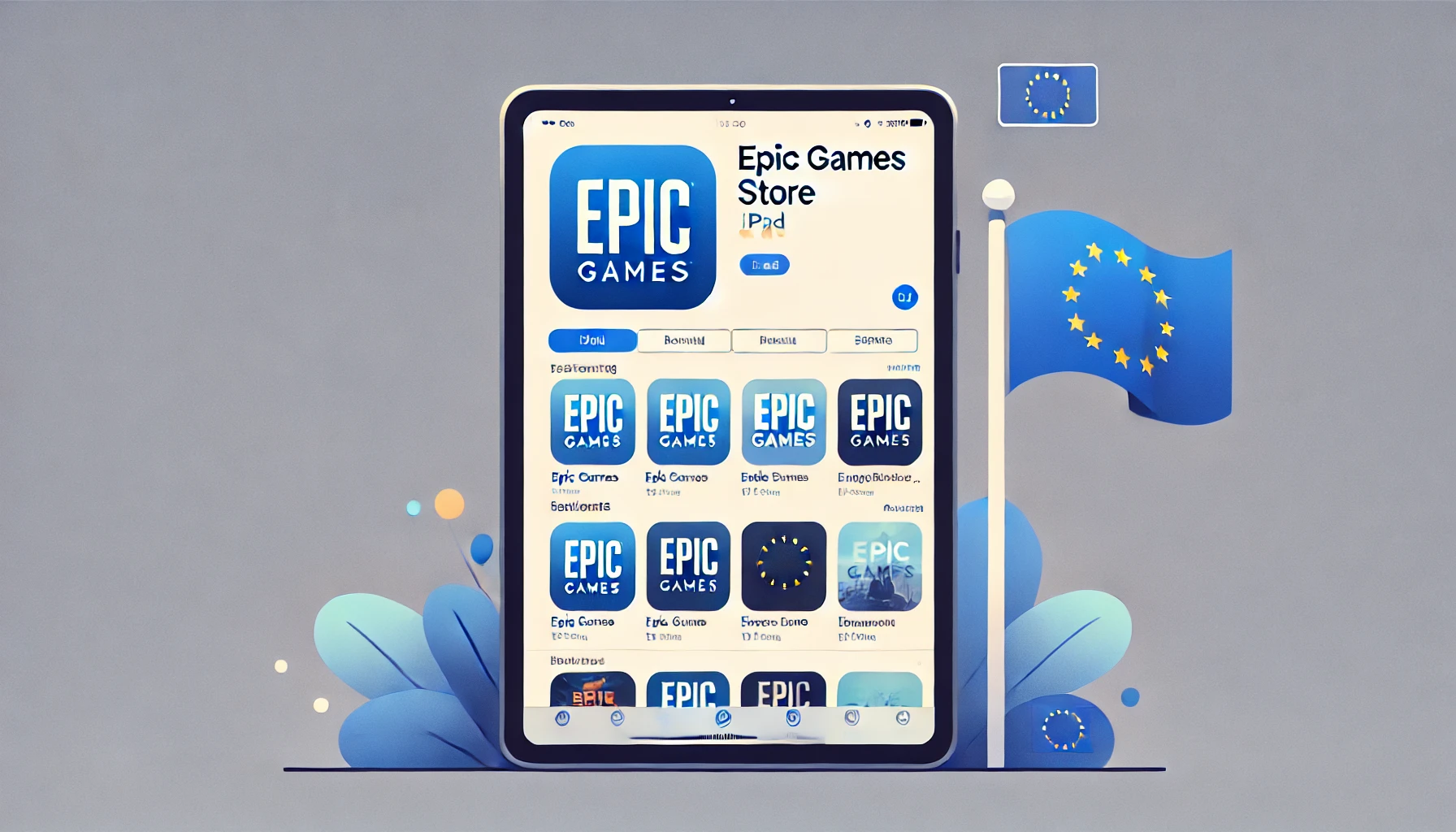
Epic Games Store, which was previously only available on platforms like PC, Mac, Android, and iPhone, can now be installed on iPads, marking a significant milestone for Epic and iPad users in Europe. Popular titles such as "Fortnite" and other Epic-published games that had been missing from Apple’s ecosystem due to legal disputes are now making a comeback, though only for EU users at this time.
The History of Epic Games and Apple’s Dispute
Epic Games and Apple have had a rocky relationship since Epic's decision to bypass Apple’s App Store payment system back in 2020. This led to the removal of "Fortnite" from the App Store, sparking a high-profile lawsuit. Epic's move allowed players to purchase in-game items directly, circumventing Apple’s 30% commission fee, which Apple argued violated its long-standing App Store guidelines.
The legal battle brought significant attention to the restrictions imposed by Apple on its app ecosystem, with many calling for more open platforms. After years of legal wrangling, Apple's decision to allow third-party app stores, albeit only in the EU, opens a new chapter in the availability of apps on iOS devices.
How to Get the Epic Games Store on Your iPad
To install the Epic Games Store on your iPad, follow these steps:
1. Update to iPadOS 18: This update is required to enable third-party app store downloads. You can check for updates in your iPad settings.
2. Download the Epic Games Store: Once updated, visit the Epic Games Store website or use the link provided on their official Twitter account to download the app.
3. Install and Play: After downloading the store, you can access and install "Fortnite" and other Epic-published games directly from the Epic Games Store on your iPad.
Why Only in the EU?
The reason this feature is currently only available in the EU is due to the Digital Markets Act (DMA), a regulatory framework introduced by the European Union to ensure fair competition in digital markets. Apple’s previous stance of restricting app installations to only its App Store was seen as anti-competitive, prompting the need for these changes.
Although there is no official word on whether this feature will expand beyond the EU, it could set a precedent for how app ecosystems evolve in other regions, depending on future regulatory developments.
What’s Next for Epic Games and Apple?
With Epic Games now returning to Apple’s ecosystem via third-party stores, many are watching closely to see how this will impact both companies. Epic’s presence on iOS devices could signal a shift in how apps are distributed on Apple’s platforms, potentially paving the way for more open competition and choices for consumers worldwide.
For now, if you’re in the EU and eager to play "Fortnite" on your iPad again, make sure to update your device to iPadOS 18 and enjoy Epic’s expanding game library.