
Clues to Identify Fraudulent Emails and Messages:
- Email or phone number mismatch: The email or phone number doesn't match the company it's supposedly coming from.
- Unrecognized contact information: The email or phone number they contacted you from is not the one you supplied to the company in the first place.
- Suspicious URLs: Links in messages have URLs that don't match the official company website.
- Formatting and language issues: Emails have formatting or language issues that differ from normal company emails. Spelling mistakes are a big clue.
- Requests for personal information: The email requests personal information from you. Emails are sent as plaintext over the internet, so never send such credentials that way.
- Unexpected contacts with attachments: You didn't expect the contact, and it contains an attachment. Often, the attachment contains malware, so leave it alone.
Protecting Your Apple Accounts from Scammers
Apple's Recommendations to Protect Your Apple Accounts and Devices:
- Do not share personal data: Do not share personal data or security information, such as passwords or temporary security codes. If someone directs you to a website to enter them, don't agree to do so.
- Use two-factor authentication: Use features like two-factor authentication to secure accounts. Keep your security information up to date. Apple will never ask for this sort of information, even if it's for support purposes.
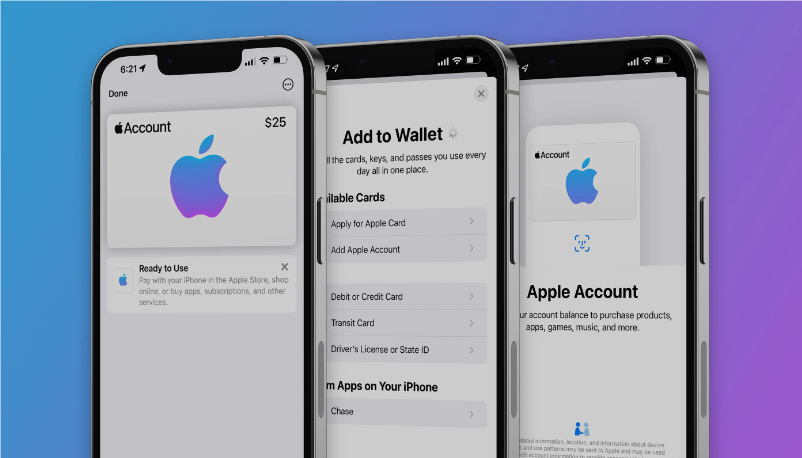
- Avoid using Apple Gift Cards for payments: Do not use Apple Gift Cards to make payments to other people. Gift cards are frequently used as a payment system for scams.
- Learn to identify legitimate Apple emails: Take time to learn how to identify legitimate Apple emails relating to App Store or iTunes purchases.
- Check out Apple's security guides: Check out Apple's guides to keeping Apple devices and data secure.
- Download software from trusted sources: Download software only from sources that you trust completely.
- Be cautious with unsolicited messages: Don't blindly click links in emails or open up sent attachments in unsolicited messages.
- Avoid providing personal information directly: Avoid providing personal information if someone pretending to be Apple calls or messages you directly. Instead, contact Apple through official channels.
Reporting Suspicious Contacts
Steps to Help Apple Thwart Scammers:
- Forward suspicious emails: Forward suspicious emails to [email protected].
- Mark spam in iCloud: If you receive spam through an iCloud.com, me.com, or mac.com inbox, mark them as Junk or move them to your iCloud Junk folder. This helps improve Apple's iCloud Mail filtering system.
- Report junk messages: If you receive spam through Messages, tap Report Junk under the message. It's also possible to block messages and calls from contacts.
- Use Apple's resources: Remember that Apple has a list of other resources to help keep your personal data and accounts safe.